IoT SIM for OCPP Security Operations and EV Charging Site Recovery
By jietion, Business Development (BD) at Quanqiu IoT · Published · Updated
Definition: Cellular connectivity for OCPP charge points carries the WebSocket link between each charger and its central management system, and determines how securely and how quickly a site can be monitored and recovered.
The short answer: a charger that cannot reach its central system cannot start authorised sessions, report faults or receive fixes. That makes the cellular link part of both security and uptime. Use TLS-based OCPP security profiles, keep chargers unreachable from the public internet, and give each site a SIM that can use more than one network. Write down a recovery procedure for chargers that drop offline, so a lost connection does not turn into a week-long outage.
How OCPP uses the connection
The Open Charge Point Protocol links a charging station to a charging station management system (CSMS). OCPP 1.6, released in 2015, is still widely deployed; OCPP 2.0.1, released in 2020 and approved as IEC 63584, adds stronger security and device management; OCPP 2.1 followed in 2025. In the JSON variants the charger opens a WebSocket connection to the CSMS and keeps it open, sending heartbeats, status notifications, meter values and transaction events, while the CSMS sends commands such as remote start, configuration changes and firmware update requests.
Because the charger initiates the connection, ordinary mobile data behind carrier NAT works without a private APN. What matters is that the connection stays up: NAT timeouts on some networks close idle sessions, so set the OCPP heartbeat or WebSocket ping interval shorter than the network’s idle timeout. An interval of 60 to 300 seconds is common.
Security profiles and the cellular link
| OCPP security profile | Transport and authentication | Use over cellular |
|---|---|---|
| Profile 1 | No TLS; HTTP Basic authentication | Only inside a private APN or VPN, never over the public internet |
| Profile 2 | TLS with server certificate; charger uses Basic authentication | Acceptable baseline over public mobile data |
| Profile 3 | TLS with client certificates on both sides | Preferred for new deployments; needs certificate management |
Profiles 2 and 3 protect OCPP traffic end to end, whatever network carries it. Profile 3 also needs a process for installing and renewing charger certificates, which OCPP 2.0.1 supports through its certificate management messages. Charger certificates are often issued for 1 to 2 years. Plan renewal before the first ones expire, for example 30 days ahead, or chargers installed in the same week will lose their connection all at once.
Some markets set rules of their own. In Great Britain, the Electric Vehicles (Smart Charge Points) Regulations 2021 require, among other things, unique or owner-set passwords, secure and verified software updates, secure boot, tamper detection, a security log time-stamped in UTC, and encryption of communications sent from the charge point.
Keeping the site connected
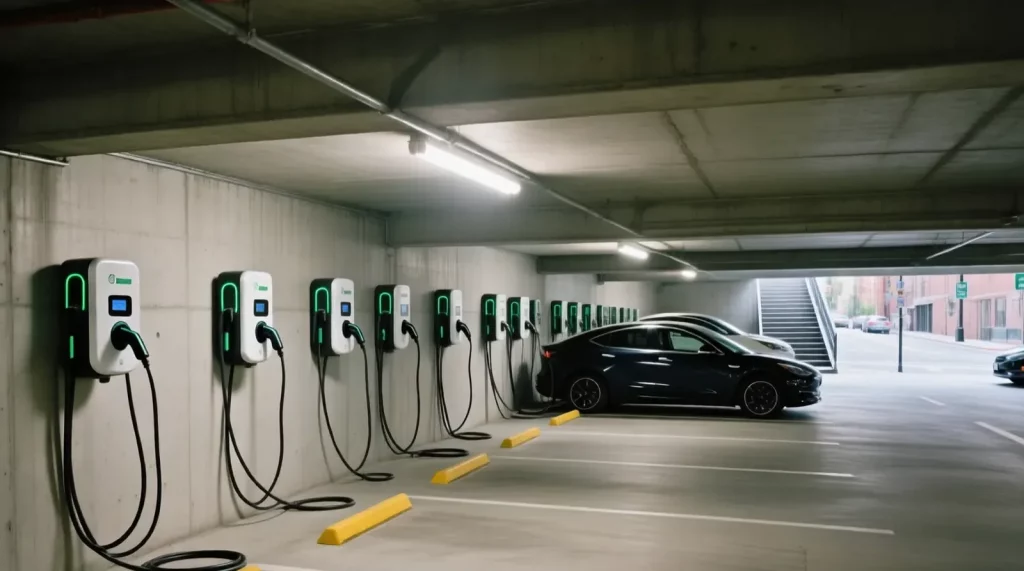
Chargers often sit in underground car parks, behind concrete walls or in remote service areas. An internal antenna inside a metal pedestal can leave a charger at the edge of coverage, where it connects and drops repeatedly. Before installation, measure signal at the actual bay; an external antenna on the pedestal or canopy often fixes problems that look like software faults. A SIM that can use a second network in the country gives the charger another path when one operator has an outage.
Data use is modest for most chargers, typically 20 to 100 MB a month with heartbeats, meter values and status messages. Firmware updates of 10 to 50 MB per charger come on top. Pooled data across a network of sites absorbs update campaigns. For sites with many chargers, a local controller can share one connection, but that link then becomes a single point of failure.
Recovery when a charger goes offline
When the CSMS stops receiving heartbeats, work through the layers in order before sending a technician.
- SIM and network. Check in the connectivity platform when the SIM last had a data session, on which network, and whether it is still attached. A SIM with no session for 2 hours or more points to power, coverage or modem trouble; a SIM with sessions but no OCPP traffic points to the charger software or certificates.
- Remote reset. Many chargers accept an SMS or out-of-band reset, if enabled and authenticated. Use it only where the manufacturer supports it.
- Certificates and time. Expired certificates and wrong system clocks are common causes of TLS failures after a firmware update.
- Site visit. Send a technician with a spare SIM and a signal meter only when the remote checks are done.
Keep the charger’s security log and the SIM session records for the same period, so an incident can be traced across both. If a charger is compromised, suspending its SIM isolates it within minutes while the fix is prepared.
The guide to SIMs for EV chargers and energy monitoring covers device selection, and the article on OCPI roaming hubs and settlement links covers the back-end side between operators.
A closer look at multi-network SIMs for EV charger 4G or wi-fi is in EV Charger 4G or Wi-Fi: Multi-Network SIMs and Dead-Zone Fixes for Charging Hubs.
When to ask for a project quote
- You run OCPP Security Profile 1 and need a private APN or VPN until chargers are upgraded.
- Sites need a second network for uptime commitments.
- Firmware campaigns across many sites need pooled data.
- Your operations centre wants SIM session data next to CSMS alerts.
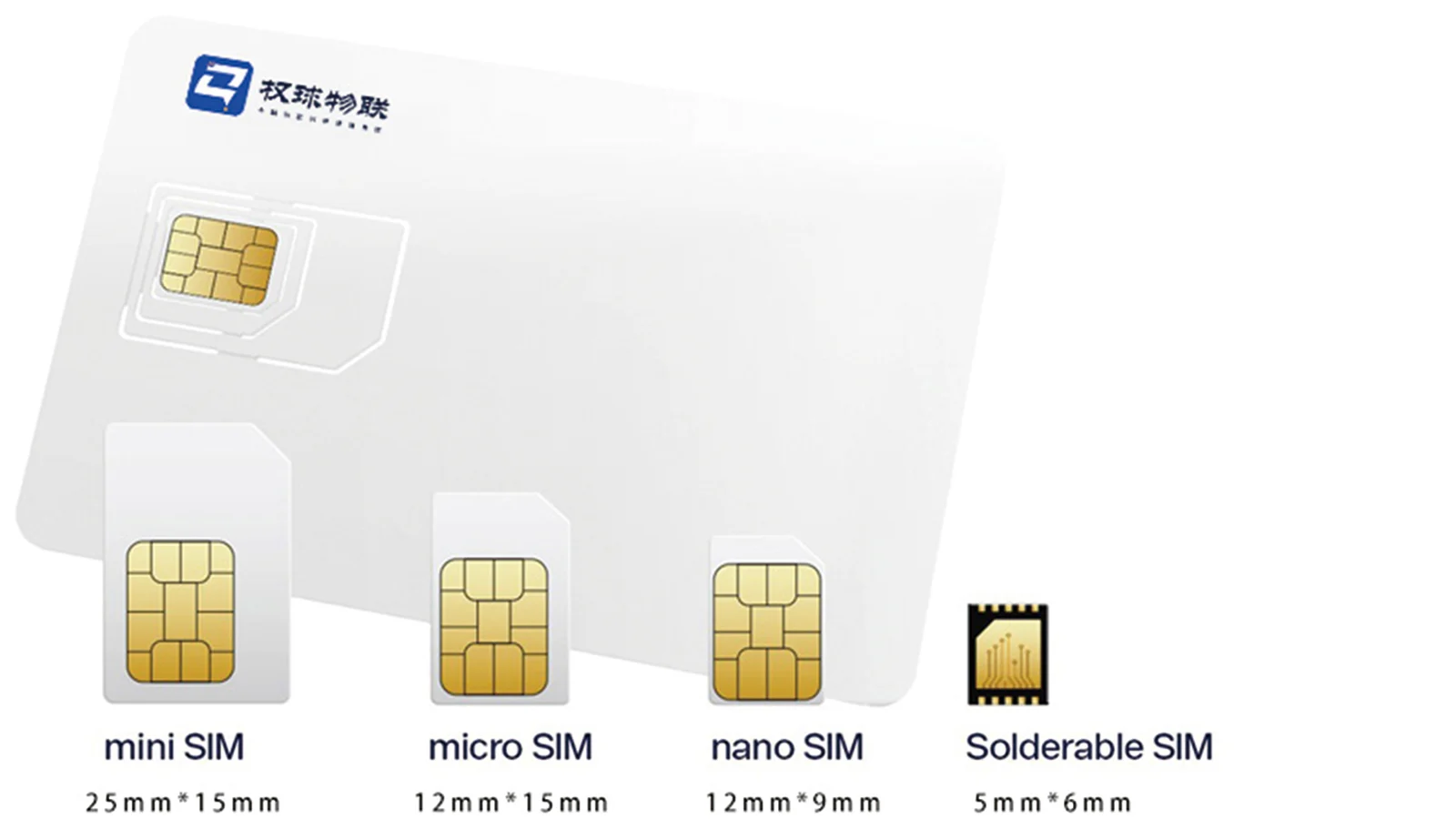
Quanqiu IoT supplies Global IoT SIM cards for charge points, with pooled data, private APN options and a CMP showing session history per SIM; operators and network technologies per country are confirmed in the quote. Site plans can be sent through the quote process.
FAQ
Does an OCPP charger need a private APN?
Not for Security Profiles 2 or 3, because the charger connects outward over TLS. Profile 1 should only run inside a private APN or VPN.
Why do chargers drop their OCPP connection every few minutes?
Often a NAT idle timeout longer than the heartbeat interval, or weak signal at the bay. Shorten the heartbeat and check the antenna.
How much data does a charge point use?
Usually 20 to 100 MB a month, plus firmware updates of 10 to 50 MB.
What is the first check when a charger goes offline?
The SIM’s last data session in the connectivity platform. It tells you whether the problem is the network or the charger.
Is OCPP 2.0.1 required for security?
Security profiles are built into OCPP 2.0.1 and were added to OCPP 1.6 implementations through later security extensions; check which your chargers support.