GPS Tracker SIM
GPS Tracker SIM is designed to qualify device fit, target country, traffic behavior, control boundaries, and the right Global IoT SIM, eSIM, and CMP buying path before rollout starts.
GPS Tracker SIM is designed to qualify device fit, target country, traffic behavior, control boundaries, and the right Global IoT SIM, eSIM, and CMP buying path before rollout starts.
Country fit, modem bands, traffic model, and delivery path should be checked before purchase.
Device pages should not be judged by plan pricing alone; buyers should also validate uptime profile, reporting cadence, installation environment, and support workflow.
The real control risk lies in who owns configuration authority, remote updates, eSIM profile control, and data routing, not simply where a device was made.
Definition: A GPS tracker SIM is an IoT SIM card that gives a vehicle, trailer or asset tracker its own cellular data link, so position reports and alarms reach the tracking platform in every country the device travels through.
Most GPS trackers send small, frequent position reports. Data volume per tracker is low, so the plan matters less than four practical points: whether the SIM attaches in every country on the route, whether the tracker can be configured by SMS, how much data each unit really uses, and how the monthly cost behaves across a whole fleet. This page covers those points and what to send us for a quote.
How much data does a GPS tracker use?
Our standard GPS tracker plan is 30 MB per month, which covers normal position reporting for most vehicle and asset trackers. Usage per tracker goes up when:
- the reporting interval is shortened, for example from every 60 seconds to every 10 seconds while moving;
- the tracker sends frequent heartbeats or keeps a connection open while parked;
- firmware is updated over the air;
- features such as photo capture, voice monitoring or driver ID are used.
Dash cams and video telematics upload video and need much larger plans; see Dash Cam SIM. For a mixed fleet, run a short pilot and read the real usage per unit in the management platform before fixing the fleet plan.
To estimate usage before the pilot, try our IoT data usage calculator.
Pooled data for tracker fleets
Pooled data is available above a minimum quantity of SIMs. All SIMs in the pool share one data allowance, so a tracker that reports more in one month is balanced by trackers that were parked. For fleets this usually removes the overage charges that come from a few heavy units, and it makes the monthly bill easier to forecast. The minimum quantity and pool size are agreed in the project quote.
Network types and 2G/3G switch-offs
Our SIMs support the network technologies we provide in each country, including 2G, 4G LTE and LTE-M where the local network offers them. Many older trackers are 2G-only, and several countries are switching off 2G or 3G. Before buying for a rollout, check two things against each destination country:
- which technologies the tracker model supports (2G only, LTE Cat-1, LTE-M or NB-IoT);
- which of those are still available in that country for the life of the project.
Send us the tracker model and country list and we confirm the available networks in the quote.
APN and SMS setup
Most of our SIMs use the APN mobile with no username or password; always use the APN printed on the delivery sheet that comes with your SIMs. A Global IoT SIM normally registers as a roaming subscriber, so data roaming must be enabled on the tracker.
SMS is supported and is enabled per project after confirmation. Use the model-specific setup and fault-isolation section below; command formats must be checked against the exact tracker model and firmware before use.
More module and tracker commands are collected in our public GPS tracker APN setup guide.
Choosing plans by country
Trackers that stay in one country can use that country’s plan from the IoT SIM catalog. Trackers that cross borders, such as trucks, trailers and containers, are better served by one Global IoT SIM that attaches in every country on the route; see GPS tracker fleet procurement across countries and Fleet & Logistics IoT SIM.
SIM cards for trackers: format, activation and test data
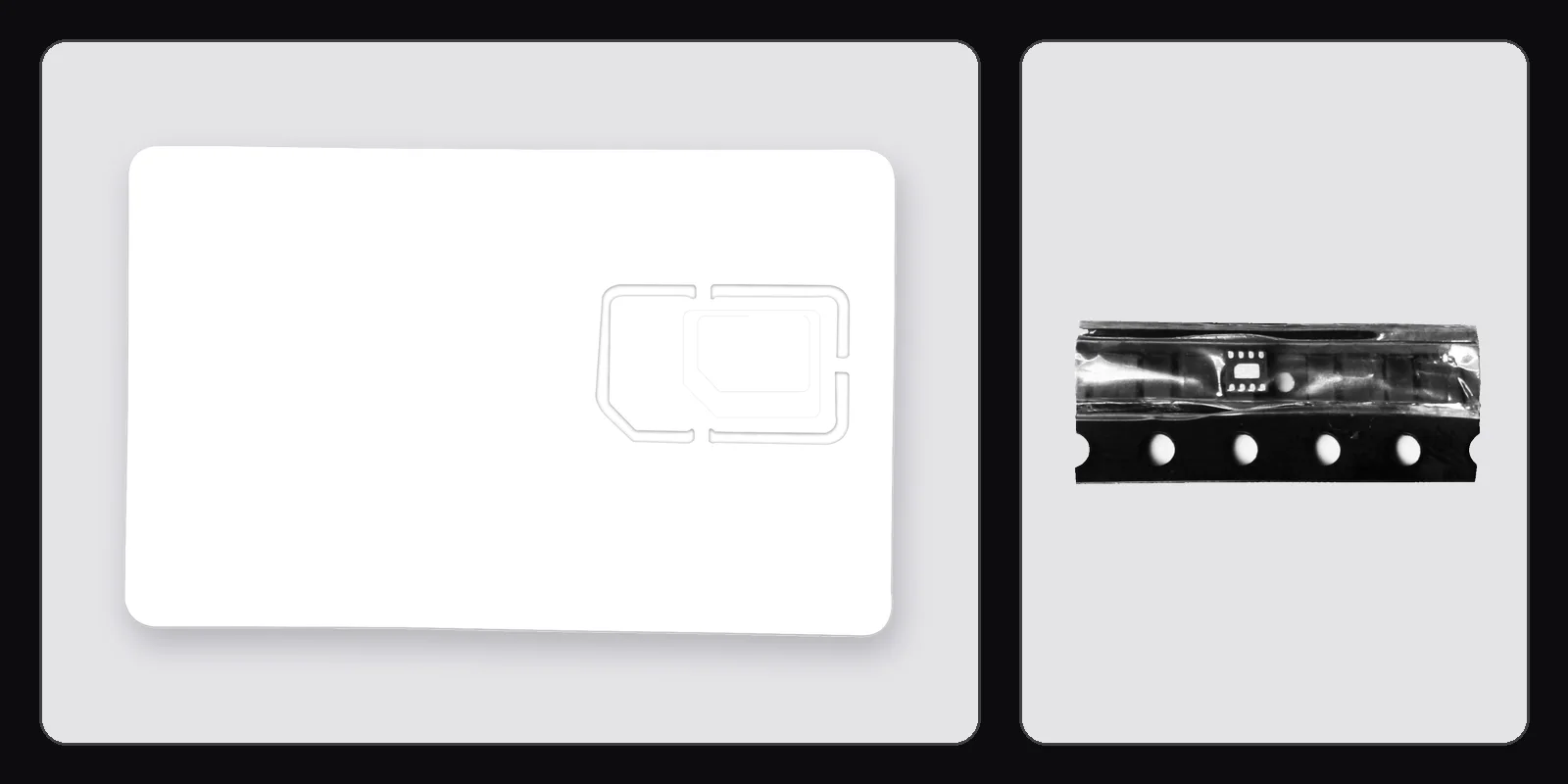
Trackers with a SIM tray take the plug-in triple-cut card (2FF/3FF/4FF). Sealed trackers and units on vibrating vehicles are better with the solderable MFF2 chip (5 × 6 mm), which is also available as eSIM. Industrial-grade cards work from −40 to +105 °C and support 500,000 write cycles, which suits trackers mounted on trucks, trailers and containers.
- Silent period: on request, SIMs start in a silent period of up to 6 months, so trackers can sit in stock before installation. The plan term starts when the silent period ends or when the tracker first connects, whichever comes first.
- Test before export: international plans for most countries include 10 MB of China data, so trackers built in China can be tested at the factory before shipping. Plans for a few countries, such as the UAE, Saudi Arabia and Indonesia, do not include it.
- First connection: with data roaming on and the APN set, a tracker usually registers within 1 to 5 minutes, depending on the local network.
- Lead time: international physical SIMs ship in as little as 3 working days; eSIM cards ship from stock. No free sample SIMs are offered. Confirm test orders and charges with sales.
Field teams that also carry body-worn cameras, rugged PDAs or Wi-Fi hotspots can order those devices from us with SIMs and plans included: see 4G/5G devices with IoT SIM.
What to send for a GPS tracker quote
- Tracker brand and model, or the cellular module inside it.
- Countries where the trackers will operate, and whether they cross borders.
- Number of trackers for the pilot and for the full fleet.
- Reporting interval and any extra features (photos, voice, OTA updates).
- Whether you need SMS for configuration, and whether you want pooled data.
Send these details on WhatsApp or use the project quote form.
GPS tracker setup and connection fault isolation
Check the modem, SIM service and tracking server as separate parts of the connection. Changing APN alone will not fix an unsupported network, exhausted plan or incorrect tracking-platform endpoint.
- Record the tracker model, modem generation and firmware, then save its existing configuration. Confirm that a compatible network still operates at the installation location.
- Check that the SIM is active, has data remaining and is provisioned for the deployment country. A suspended or expired service is not repaired by changing APN.
- Enable data roaming where required. Most of our SIMs use APN mobile with no username or password; use the delivery-sheet settings if they differ.
- Use the tracking-platform operator’s server address, port and supported transport. Do not substitute a SIM provider website or a sample address from a manual for the real endpoint.
- Save the settings and test registration, a data session and an acknowledged tracking record separately. Keep the configuration, timestamp and logs so the failure can be reproduced.
Teltonika FMB920: model-specific configuration fields
FMB920 uses 2G GSM/GPRS, not LTE. Confirm local 2G availability before ordering connectivity. Its official First Start guide maps the fields below; use the manufacturer’s configuration software and firmware documentation. Do not reuse these parameter identifiers or SMS syntax on a different model. SMS configuration also requires the service to be enabled for the SIM.
| Parameter | Setting and boundary |
|---|---|
| 2001 | APN from the SIM delivery sheet; usually mobile for our SIMs. |
| 2002 / 2003 | APN username / password. Leave blank only when the SIM settings specify no credentials. |
| 2004 | Tracking-server domain supplied by the tracking-platform operator. |
| 2005 | Tracking-server port; it must match the configured listener. |
| 2006 | Transport selection: 0 = TCP, 1 = UDP. Use the protocol supported by the tracking server. |
Identify the failed layer before changing the SIM
| Symptom | Checks |
|---|---|
| No network registration | Check SIM status, antenna, location, device bands and local network retirement. A correct APN cannot turn a 2G modem into an LTE modem. |
| Registered, but no data session | Check APN, authentication, data roaming, remaining allowance and whether the selected plan permits the connection. |
| Data session, but no tracking records | Separate GNSS fix from data delivery. Check server domain, DNS, port, transport, device identifier and the platform decoder; confirm the server acknowledgement. |
| Intermittent or excessive traffic | Review signal changes, power, sleep states, record batching and retry behavior. Set reporting and keep-alive intervals for the application and server; there is no single interval for every tracker. |
For support, send the model and firmware, deployment country, time zone and failure time, APN without credentials, signal/registration state and redacted device/server logs. Share full SIM identifiers only through the agreed private support channel, never in public comments.