4G Dash Cams with Live View: Video Upload, Event Clips and Data Plan Sizing
By jietion, Business Development (BD) at Quanqiu IoT · Published · Updated
Definition: In a 4G dash cam with live tracking, the IoT SIM carries GPS position reports, event clips and live video to the fleet platform; its data plan limits how much video a fleet can send.
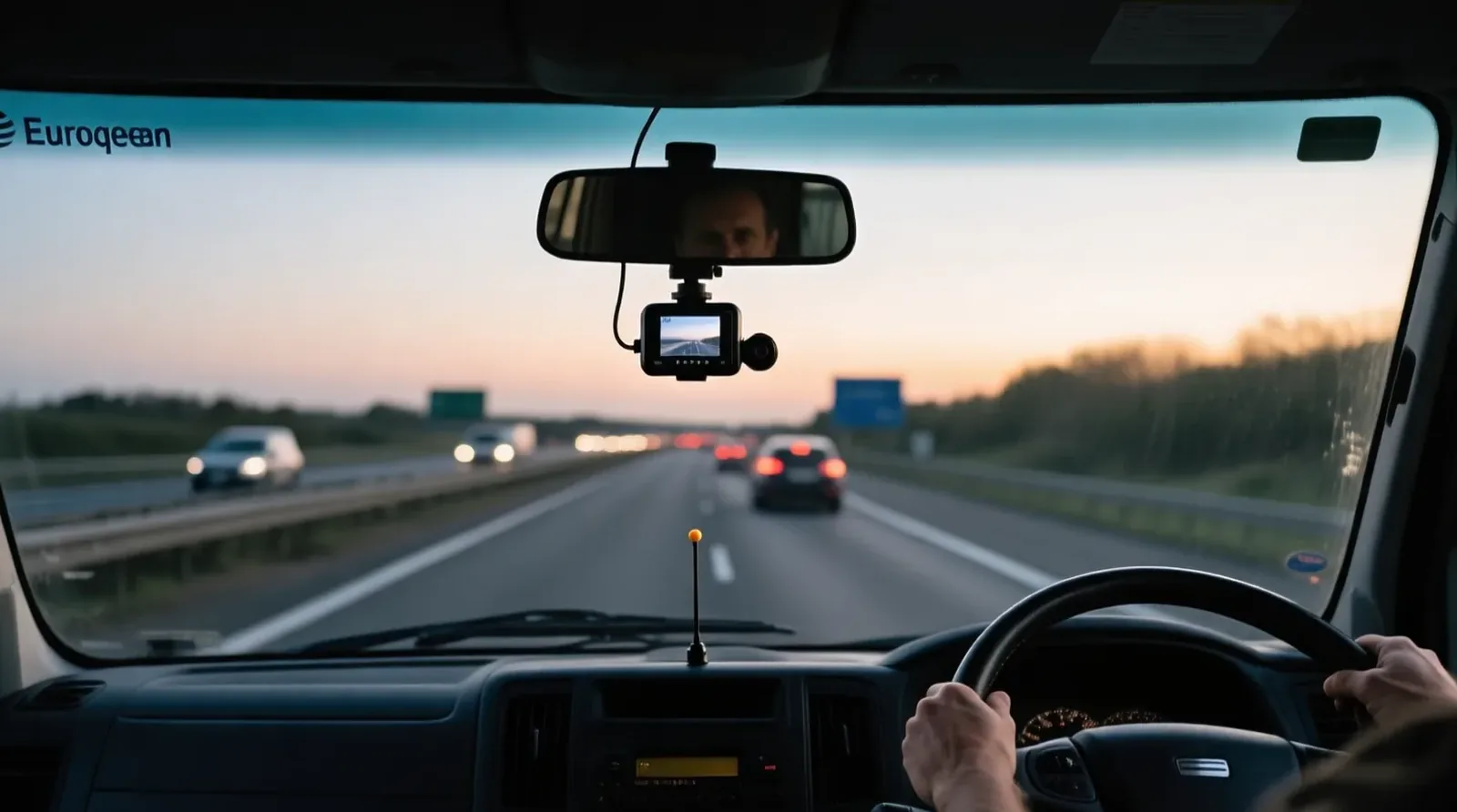
The practical answer: GPS tracking costs a 4G dash cam very little data, while video decides the bill. Size the plan from three numbers: how many event clips each vehicle uploads, how long they are and at what bitrate, and how many minutes of live view staff actually watch. A camera that only uploads short clips can run on a few hundred megabytes a month. One that streams live view for an hour a day can need tens of gigabytes. Set the camera’s upload rules before you choose the plan, not after the first invoice.
Where the data goes in a connected dash cam
A connected dash cam records continuously to its own memory card, usually in loops that overwrite the oldest footage. The cellular link carries only what is sent off the vehicle. In a typical setup that is four kinds of traffic: position reports to the tracking platform, event clips triggered by harsh braking, collisions or a driver button, live view requested by a dispatcher, and recorded footage retrieved from the memory card after an incident. Firmware updates and configuration changes come on top.
The platform side follows a familiar pattern. A study of GPS vehicle locators for logistics described the same building blocks: devices in the vehicles, a transmission network, a database and a central management platform that drivers, shippers and the carrier log in to with their own permissions (Dong, 2018). Video adds a much heavier payload to that architecture, which is why fleets that already run trackers are often surprised by the data use of their first camera rollout.
Estimating monthly data per vehicle
Video data is simple arithmetic: bitrate multiplied by time. At 1 Mbit/s, one minute of video is about 7.5 MB; at 2 Mbit/s it is about 15 MB. Cameras compress with H.264 or the newer H.265 (HEVC), which can reach similar quality at a lower bitrate, so the codec and the resolution chosen for uploads matter as much as the number of events. The table below shows worked examples for one vehicle working 22 days a month; real figures depend on the camera’s settings and should be measured in a pilot.
| Traffic type | Example settings | Approximate data per month |
|---|---|---|
| GPS position reports | Every 30 seconds while driving, 10 hours a day | About 10 MB |
| Event clips | 3 clips a day, 20 seconds each, 2 Mbit/s | About 330 MB |
| Event clips, two cameras | Road and cabin camera for each event, same settings | About 660 MB |
| Live view, occasional | 10 minutes a day at 1 Mbit/s | About 1.65 GB |
| Live view, heavy | 60 minutes a day at 1 Mbit/s | About 9.9 GB |
| Footage retrieval | Pulling recorded video after incidents | To be confirmed during project validation; budget per incident |
| Firmware updates | A few per year, often 20 to 100 MB each | Spread over the year; schedule on depot Wi-Fi if available |
The pattern is clear: the difference between a light and a heavy video policy is more than 10 times, and it comes almost entirely from live view. Agree with operations who may open live view, for how long, and at what resolution. A dispatcher checking whether a load is secure rarely needs full HD; a lower-resolution live stream at 500 kbit/s halves the cost of every minute watched.
Live view, event clips and network technology
Video needs a full LTE connection. Low-power technologies such as NB-IoT were designed for small, infrequent messages and long battery life, while high-definition video needs broadband speeds; one review of agricultural machinery monitoring set the two apart in exactly these terms, pairing NB-IoT with long battery life in remote areas and 5G with HD video (Chen, 2026). For dash cams, LTE Cat 4 or higher modules are common; LTE Cat 1 can work for clips at modest bitrates but is tight for live view from two cameras.
Upload speed matters more than download. A camera that sends a 20-second clip at 2 Mbit/s needs to push about 5 MB through the uplink; on a weak signal at the edge of a cell, that can take minutes and may fail and retry. Ask the camera supplier how uploads resume after a dropped connection, whether clips are queued until signal improves, and whether the camera can lower its bitrate automatically. Cameras that restart a failed upload from the beginning can use far more data than the table suggests.
Inbound access is the other design point. Standard mobile data sits behind carrier NAT, so a dispatcher cannot open a stream directly to the camera. Most camera platforms solve this by having the camera keep an outbound connection to a cloud relay, which forwards live view on request. That keep-alive connection itself uses data and must be tuned to the network; the guide to reporting intervals and keep-alive timers explains how to set it.
Analyse on the vehicle, send less video
The most effective data control is to decide on the vehicle what is worth sending. Cameras with on-board analytics detect events locally and upload a clip and an alert instead of a stream. A trial on eight underground mining vehicles shows the trade-off well: each vehicle carried 4 HD cameras, an edge computer and a video recorder; detection ran on board, alerts went out over WebSocket and SMS, and the system logged more than 12,000 behaviour records and 71 abnormal-event alarms with an average alarm response of 1.3 seconds (Liu, 2025). Before the system, a dispatcher had to watch the video to spot a violation, which took about 3 minutes. For fleets, the lesson is that analytics on the device both shortens response and keeps continuous video off the cellular link.
When the uplink is narrow or unreliable, store-and-forward beats streaming. An emergency-broadcast system working over a satellite link of about 47 kbit/s captured images and video locally when an alarm started and uploaded them afterwards; a 620 kB standard-definition clip took about 2 minutes to return (Xu, 2026). A dash cam on a weak rural LTE signal faces the same physics on a smaller scale, so a camera that queues clips and sends them when signal improves loses less footage than one that tries to stream.
Give traffic a priority order as well. A rail study that combined LTE-M and 5G for train-to-ground links split services into safety-critical control, high-bandwidth video and maintenance downloads, and cached data during handover so video and control were not lost (Cao, 2026). The same thinking applies to a vehicle: position reports and crash alerts first, event clips second, live view and bulk footage retrieval last.
Controlling cost across a fleet
Usage is uneven. A long-haul truck with frequent harsh-braking events and an inquisitive dispatcher may use 10 times what a local van uses. A pooled data plan across the fleet absorbs that spread better than a fixed allowance per SIM. Pair the pool with per-SIM alerts, for example at 3 times the fleet average, and an automatic cap or suspension for runaway devices; a camera stuck in an upload loop can use a month of data in a day.
Policy settings on the camera are the cheapest control. Raise the g-force threshold if minor bumps trigger clips, shorten clip length, upload cabin video only for severe events, and let drivers’ managers request full footage from the memory card rather than uploading everything. Review usage after the first 30 days; most fleets adjust trigger sensitivity at least once.
Cross-border fleets add roaming to the calculation. Video at roaming rates can multiply costs, and some countries restrict devices that stay on foreign networks for long periods. The multi-country tracker fleet guide covers permanent roaming and SIM ownership, and the overview of SIMs for GPS trackers and fleet dash cams compares device types.
Privacy, storage and where video should not go
Dash cams record people: drivers in the cabin, pedestrians and other road users. In the EU, the European Data Protection Board’s Guidelines 3/2019 on processing personal data through video devices apply to this kind of recording, and other jurisdictions have their own rules on employee monitoring. These rules affect connectivity design. Uploading less video, keeping cabin footage on the device unless an event occurs, and limiting who can open live view reduce both data cost and privacy exposure. Agree retention periods for uploaded clips with your legal team before rollout.
A connectivity change will not fix every video problem. If clips arrive corrupted, check the memory card and the camera’s power supply first; many cameras lose recordings when ignition power drops during cranking. If live view stutters at the depot but works on the road, the issue may be indoor coverage rather than the SIM.
Quanqiu IoT supplies Global IoT SIM cards for dash cams and trackers, with pooled data and a CMP for per-SIM alerts and suspension; network technologies per country are confirmed in the quote. Fleet video policies and vehicle counts can be sent through the quote process.
FAQ
How much data does a 4G dash cam use per month?
From a few hundred MB for event clips only to 10 GB or more with daily live view. Live view minutes are the biggest variable.
Does GPS tracking on a dash cam use much data?
No. Position reports every 30 seconds while driving typically use around 10 MB a month; video is what drives the plan size.
Can a dash cam stream live video on NB-IoT or LTE-M?
Not in practice. Live video needs full LTE; NB-IoT and LTE-M suit small messages and status reports.
Why do event clips sometimes fail to upload?
Weak uplink signal, uploads that restart from the beginning after a drop, or a camera bitrate too high for the connection. Ask how the camera queues and resumes uploads.
How do fleets stop one camera from using the whole data pool?
Per-SIM alerts and caps in the connectivity platform, plus tighter event triggers and live view limits on the camera.
Official References
- ITU-T Recommendation H.264: Advanced video coding for generic audiovisual services
- ITU-T Recommendation H.265: High efficiency video coding
- European Data Protection Board: Guidelines 3/2019 on processing of personal data through video devices
- GSMA: Mobile IoT (LPWA)
- Liu Xiaofeng (2025). An Auxiliary System for Explosion-Proof Rubber-Tired Vehicles Based on Miner Behavior Detection (in Chinese). 山西能源学院学报, 38(6), 42-44.
- Xu Xianghui (2026). Research and Practice of Highly Reliable Transmission and Scheduling Technology for Emergency Broadcasting in the Three-Disruption Scenario (in Chinese). 广播电视网络, (9), 79-83.
- Cao Rui (2026). Design and Research of a Train-Ground Wireless Communication Networking Scheme Integrating LTE-M and 5G Technologies (in Chinese). 中国信息化, (6), 97-98.
- Dong Xiao (2018). Analysis of the Application of GPS-Based Embedded Locators in the Internet of Things (in Chinese). 信息系统工程, 45-46.
- Chen Zhi (2026). Exploration of Remote Monitoring and Management Applications for Agricultural Machinery Safety Based on IoT Technology (in Chinese). 农机水肥, (27), 81-83. DOI: 10.3969/j.issn.1003-1650.2026.27.027